Prepare the Software
The Alvo Sensor Upgrade Kit provides additional hardware and software for the Alvo Field Applicator that allows you to control the system pressure, application rate, and flow rate of each boom in your system. This user manual covers how to set up and use Alvo Sensor in Mirus.
For instructions on using Alvo Field Applicator, refer to the Alvo Field Applicator User Manual.
Install Alvo Sensor Plugin
Mirus provides the user interface and software control for the Alvo Field Applicator and Alvo Sensor. To use the Alvo Sensor Plugin in Mirus, you need Mirus, Alvo Field Applicator, and the GNSS Attachment.
Software Requirements
- Mirus, version 4.6.7 or later
- Alvo Field Applicator, version 2.1.1 or later
- GNSS Attachment, version 2.1.1 or later
Install and Activate Alvo Sensor Plugin
After you purchase a license for Alvo Sensor Plugin,
- Go to Mirus Plugins and Conditional Actions.
- Tap the download icon
 for Alvo Sensor. The files automatically download.
 - Run the .mbp file for Alvo Sensor.
- Follow the installation instructions.
- Activate the software online at www.harvestmaster.com/activate.
Connect the Alvo Sensor Plugin
To connect the Alvo Sensor Plugin,
- Open Mirus.

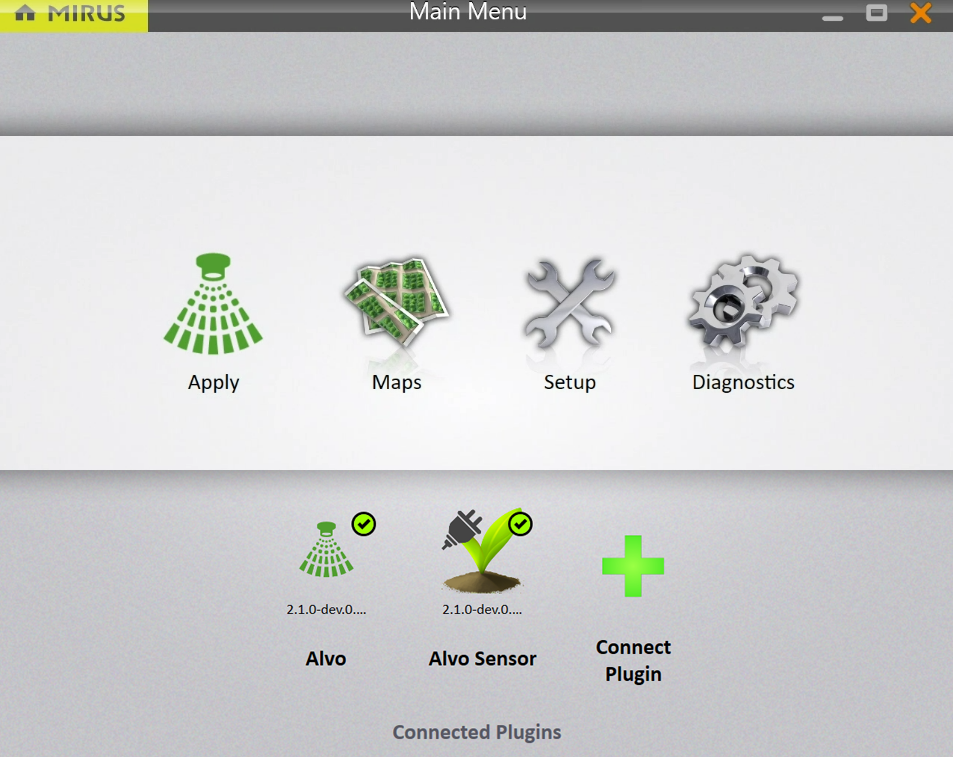
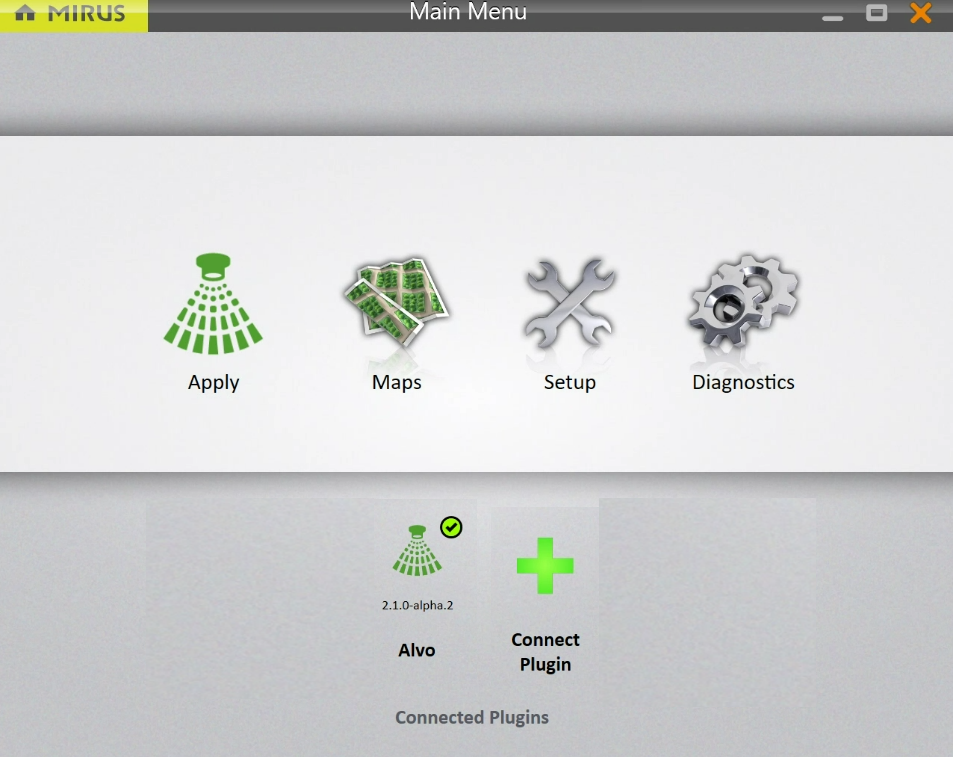
- From the Main Menu, tap Connect Plugin.
Note: You must have the Alvo plugin connected.
- Tap Attachments.
- Tap Alvo Sensor.
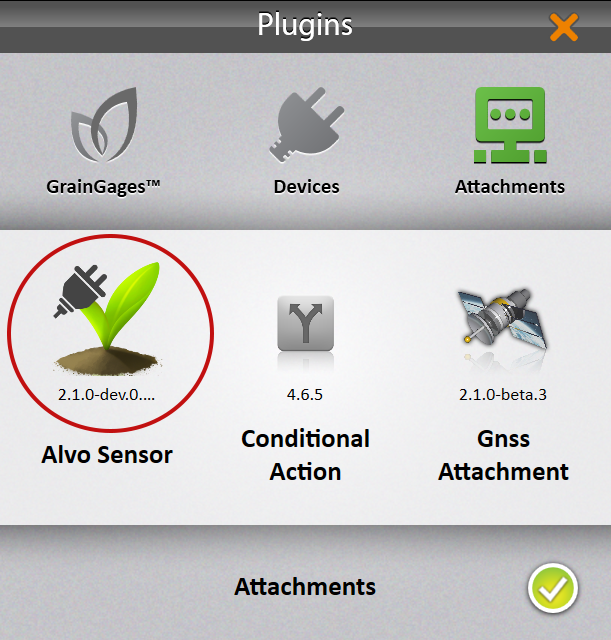
- Tap the check icon
 .
. - Return to the Main Menu. Alvo Sensor has a green check mark.